AVAILABLE NOW
FREE ACCOUNT
2 CHECKS
Run the first check, improve the screen, then use the second to verify the edit.
- Original, heatmap, overlay, triptych
- Browser workspace + device-approved MCP
- Failed analyses return the check
VISUAL QA FOR AI-BUILT WORK / LOOK
Check the landing page, app screen, slide, or graphic your AI agent just made. AttentionProof shows what is likely to dominate the first glance—so you can fix the hierarchy before you publish.
START WITH PROOF Two real checks. No card. Original, heatmap, and overlay come back together.
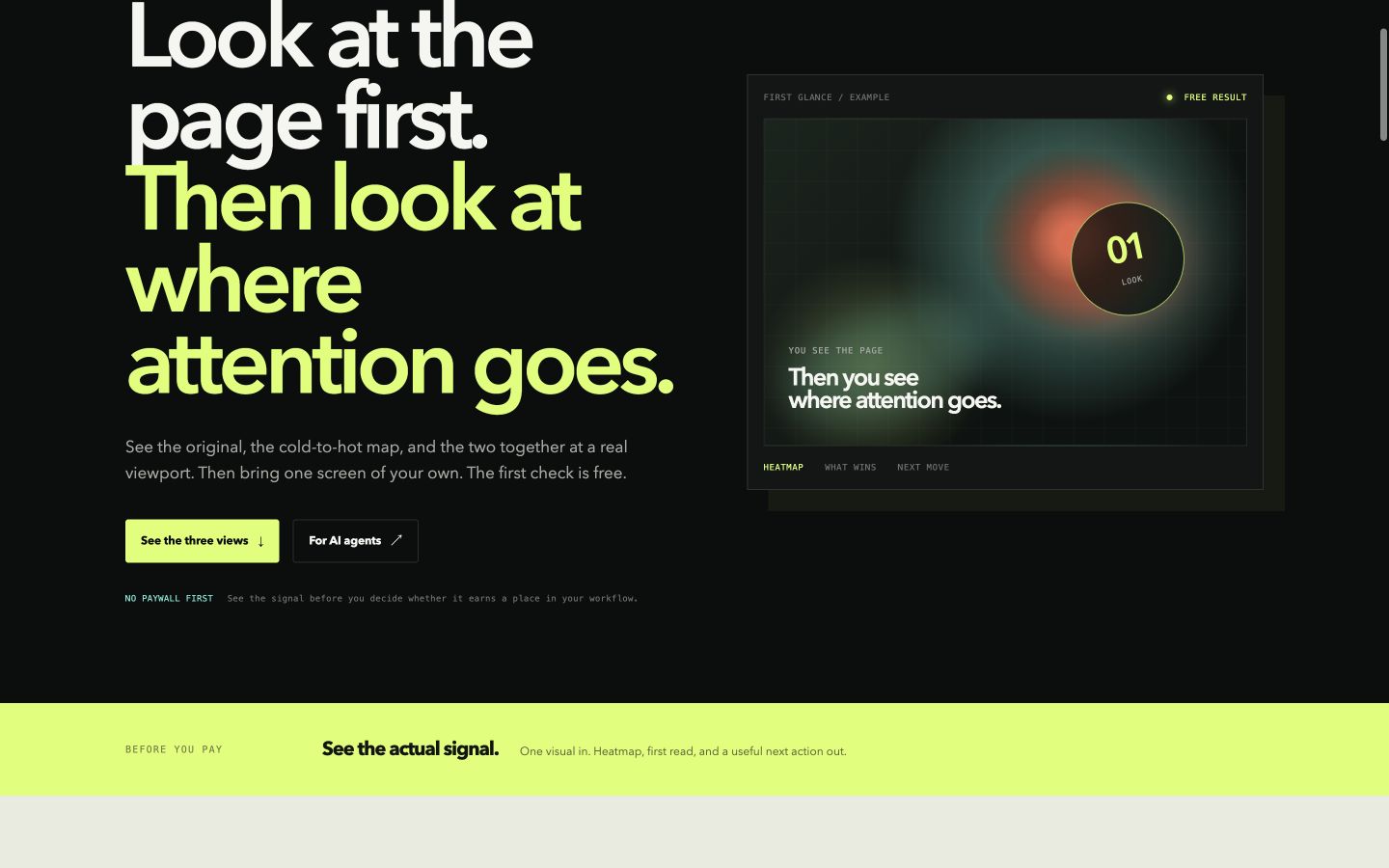
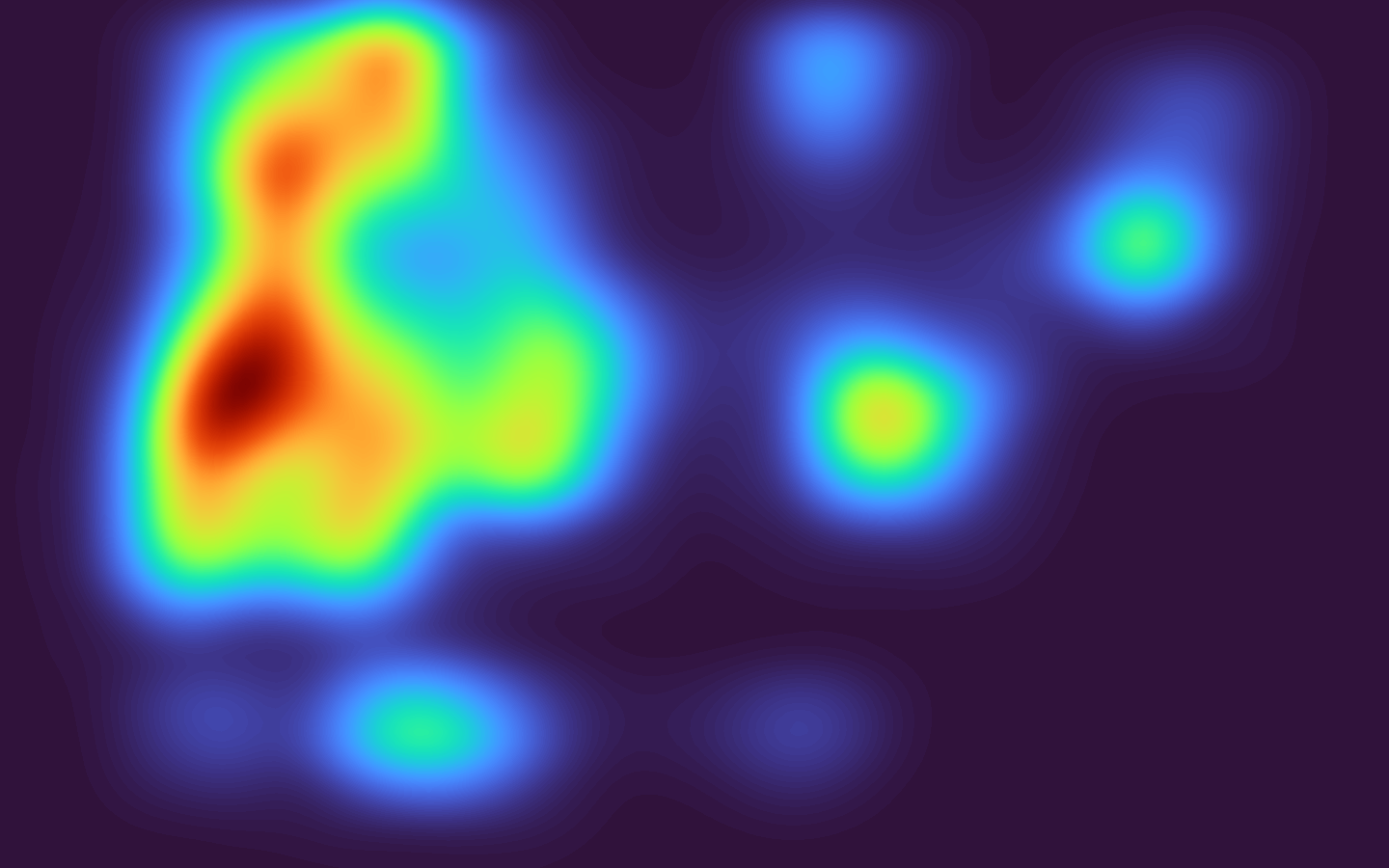
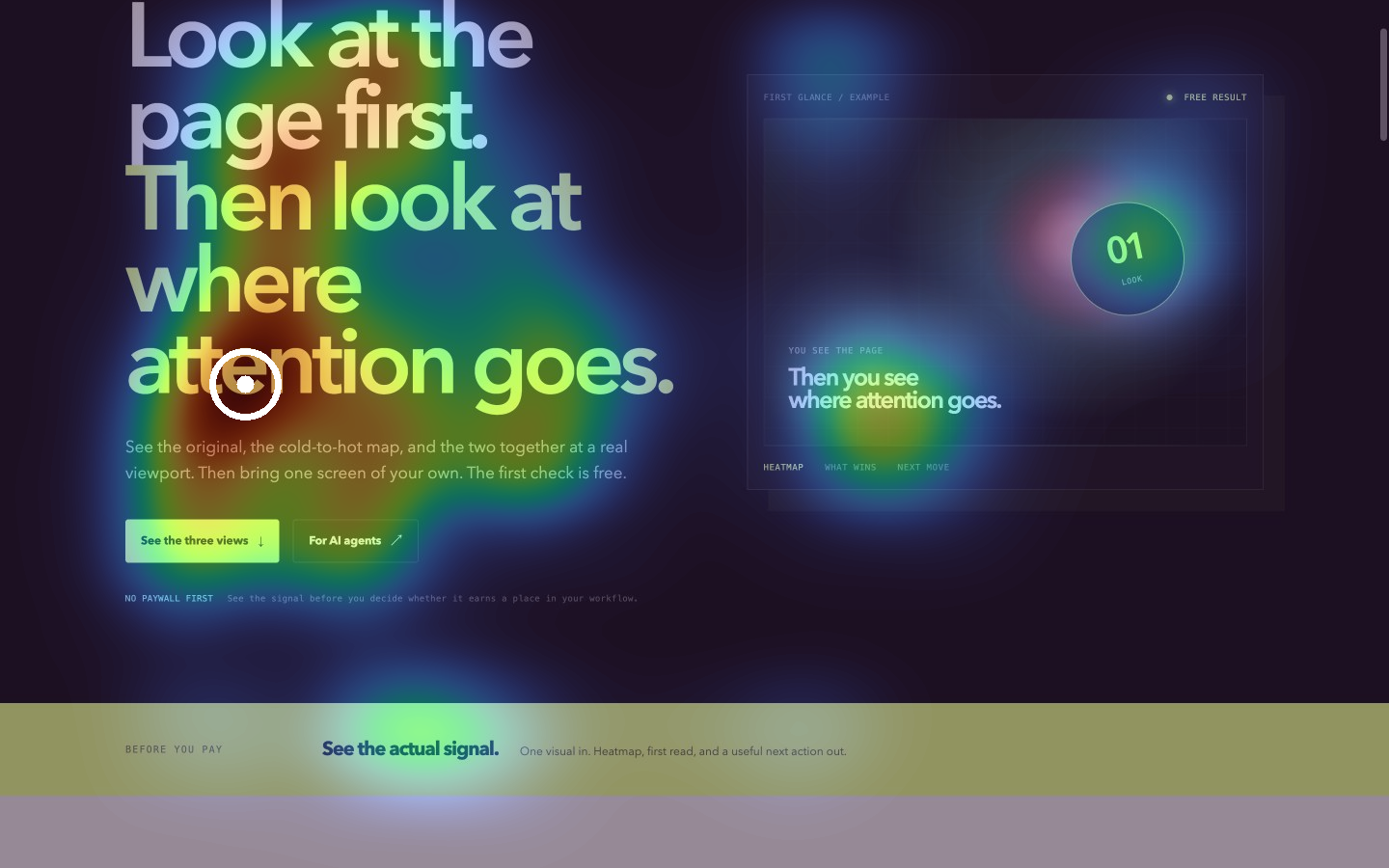
Working result / first look
01 / Free result — this page
Compare the same landing, graphic, presentation slide, or app screen three ways. Make the thing you want noticed win before the next publish.
Original, heatmap, overlay — three views of the same prepared screen.
Original, heatmap, and overlay at the same viewport. No explanation needed before you decide whether it is useful.
Bring your own screen02 / Your own screen
Create an account and run two complete visual checks now. Use the first to see the problem and the second to verify the edit—or connect the same balance to your agent.
Use the browser first, then approve a named MCP connection from the same account. After your first result, tell us which paid offer you would seriously consider.
We retain account and credit records; an uploaded screen is processed only to return its result. Privacy details.
05 / The proof is visible
People can inspect the result directly. Agents can consume the same stable artifacts. The answer stays clear from the first screen to the next edit.
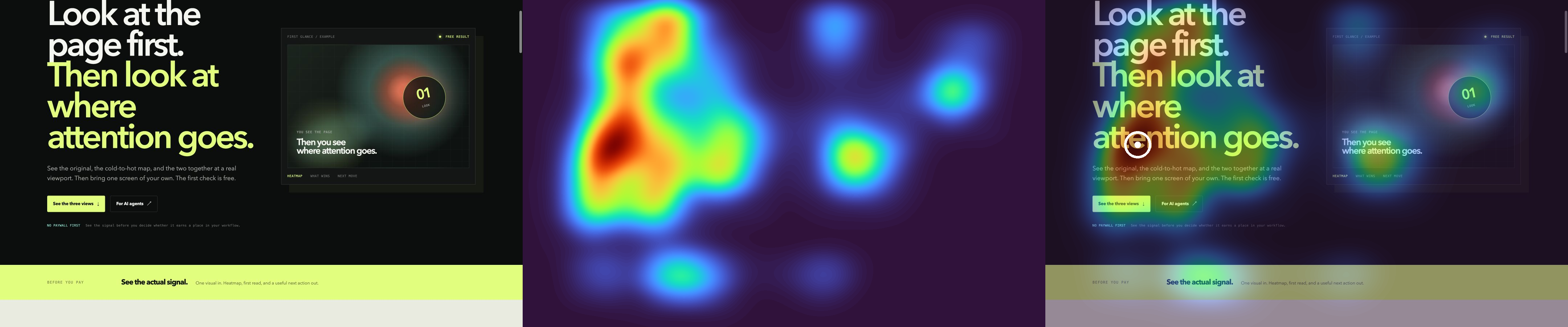
The prepared proof is complete before the account decision. Your own result comes before the paid-offer question.
06 / Pick your doorway
One visual signal. Different reasons to care.
For AI builders
Give the build loop a visual answer: check the landing, app screen, slide, or graphic before the next commit—and recheck after the change.
07 / For AI agents and client work
Give Claude, Codex, or your own agent one visual answer it can use: inspect the exact screen, change the hierarchy, then recheck the next version before it ships.
One screenshot becomes a decision-ready visual answer before the next build or client review.
Claude, Codex, or your agent checks the screen, changes the hierarchy, then compares the next version.
Connect an agent →FOR CLIENT DECISIONSClient-ready proofShow the original, heatmap, and overlay together so a recommendation is easier to understand and approve.
Run a client check →08 / Where it earns its place
09 / Public trial
Every new account gets two real checks. After the first result, choose the paid offer you would actually consider and ask to be notified. No card today.
FREE ACCOUNT
Run the first check, improve the screen, then use the second to verify the edit.
AFTER YOUR RESULT
Choose the offer you would seriously consider buying.
Paid plans are not open yet. We will contact only people who explicitly ask to hear when their selected offer is available.
11 / A clear boundary
AttentionProof provides a model-predicted aggregate visual-attention signal. It is not individual eye tracking and does not guarantee comprehension or conversion. Access emails are used only for product access and updates. You can ask us to remove your email at any time.
12 / Straight answers
It is a model-generated estimate of which parts of one rendered screen are likely to pull visual attention. AttentionProof returns the original, the heatmap, and the overlay at the same size so you can compare them directly.
No. It does not observe an individual person or measure gaze. It predicts aggregate visual pull and cannot prove comprehension, clicks, conversion, accessibility, or commercial performance.
An agent can inspect a screen through MCP or API, change the visual hierarchy, and recheck the revised screen. The useful loop is generate, inspect, revise, and compare—not a one-time score.